Integrations

Connect your tools,
automate your work

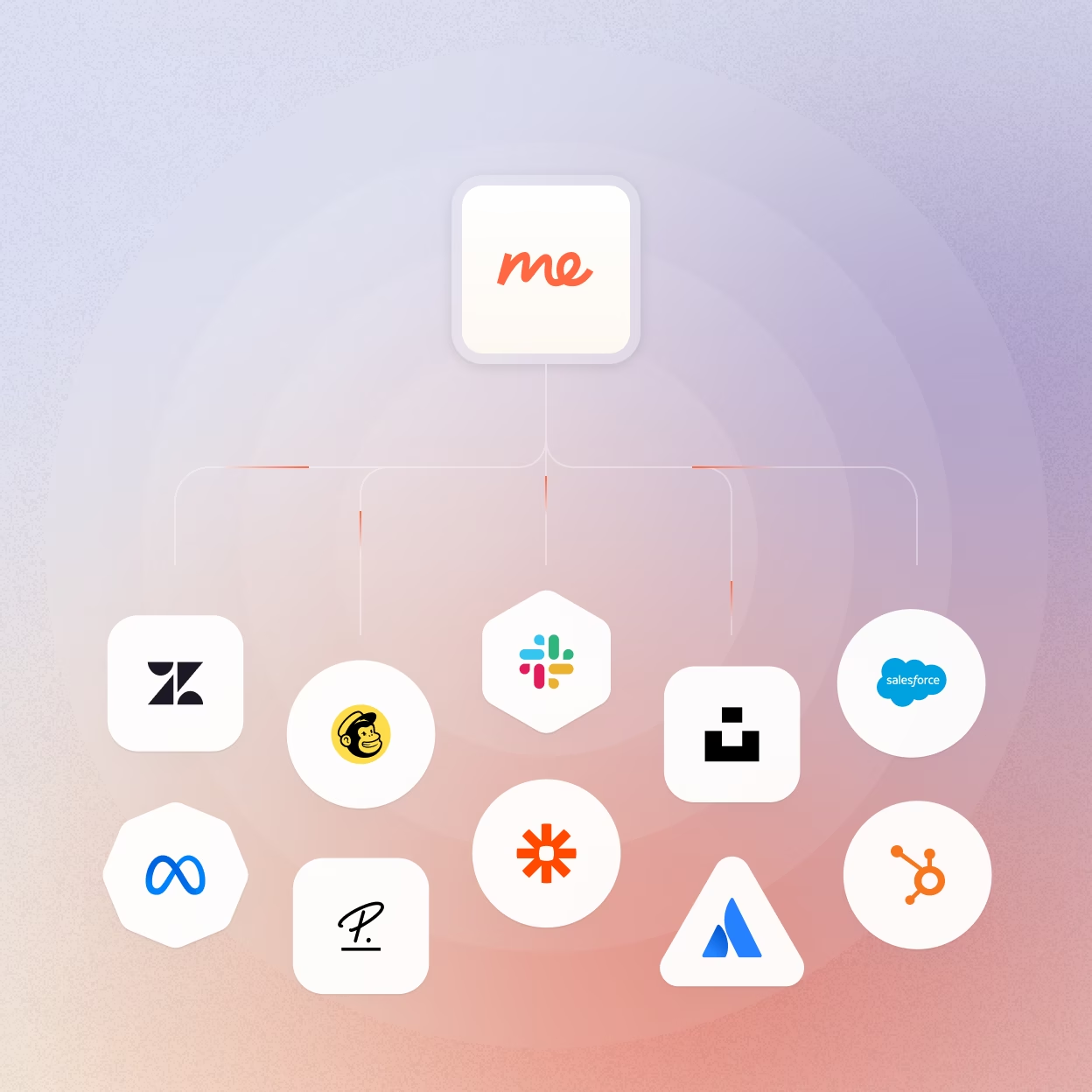
Connect equipme to your existing tools and watch your data stay in sync automatically, while workflows handle the administrative work. Free your team from manual data management and give them back hours every week.
Book a demo
Free Trial
Benefits

Real benefits of a connected business

Centralize all your company resources

Bring all your resource data together in one central view, so you always know what you own and where it is.

Reduce data errors

Automatic syncing prevents data errors at the source: duplicate records, outdated information, inconsistencies across systems.

Automate your recurring processes

Build workflows that handle onboarding, approvals, and assignments automatically. Turning tasks that took days into processes that run hands-off.

Medium length section heading goes here

Every data sync and change is automatically logged and documented, giving you the compliance records you need.

Explore all integrations

equipme reaches its full potential when connected to your tool ecosystem: HR systems, MDM platforms, ticketing tools, identity management, and communication platforms all working together. Start with the integrations that matter most right now. Add more as your needs grow. Your stack evolves, and equipme evolves with it.


Integrations

All

Missing an integration?

We're constantly adding new ones. If you need a specific integration that , let us know and we'll talk about it.

Request integration

Xero

Run cloud accounting with bank connections, invoicing, and reporting in one place. Popular with small businesses and accountants who want modern, accessible bookkeeping.

ERP

Weclapp

Combine ERP, CRM, and e-commerce management in one cloud-based platform. Built for SMBs who want integrated business processes without enterprise overhead.

ERP

Anthropic Claude

Access advanced reasoning and analysis capabilities for complex tasks and content generation. Handles nuanced instructions and produces high-quality outputs across business use cases.

AI

Zoho Books

Manage accounting, invoicing, and expenses with seamless Zoho ecosystem integration. Great for teams already using Zoho who want connected financial management.

ERP

QuickBooks

Track income, expenses, and invoices with the most widely-used small business accounting tool. Industry standard for SMBs who need reliable, straightforward bookkeeping.

ERP

equipme Desk

Handle support requests from multiple parties in one integrated ticket system with full context at a glance. Easy to use and built for teams who need clear communication without losing track of conversations.

No items found.

Freshdesk

Manage customer support tickets with automation, SLAs, and multi-channel inbox. Affordable option for growing support teams who want structure without complexity.

No items found.

Jira

Track issues, bugs, and projects with powerful workflows and agile boards. Industry standard for development teams managing sprints and product backlogs.

No items found.

Zoho Desk

Organize support tickets across channels with automation and customer context. Great for teams already using Zoho who want integrated helpdesk capabilities.

No items found.

Zendesk Tickets

Handle customer support requests with routing, automation, and reporting built in. Go-to choice for support teams needing a reliable, scalable ticketing system.

No items found.

Autotask

Manage IT services, projects, and billing in one PSA platform. Built for MSPs and IT teams who need integrated service delivery and business management.

No items found.

ServiceNow

Automate IT service delivery, incident management, and enterprise workflows at scale. Built for large organizations needing comprehensive ITSM with deep process automation.

No items found.

Connectwise

Manage IT service tickets, projects, and billing in one PSA platform for MSPs. Built for managed service providers who need integrated service delivery and business operations.

No items found.

Datto RMM

Monitor and manage client devices remotely with automated patching and scripting. Essential for MSPs who need reliable endpoint management across multiple customers.

MDM / RMM

Jamf

Manage and secure Apple devices across your organization with zero-touch deployment. Best for companies with Mac and iOS fleets who need streamlined device management.

MDM / RMM

Microsoft Intune

Manage and secure devices, apps, and data across Windows, iOS, and Android. Built for organizations needing unified endpoint management within the Microsoft ecosystem.

MDM / RMM

Ninja One

Monitor, manage, and support endpoints remotely with an all-in-one RMM platform. Built for IT teams and MSPs who need complete visibility and control over devices.

MDM / RMM

Airtable

Build custom databases and workflows with spreadsheet simplicity and app power. Perfect for teams who need flexible data management without coding.

Collaboration

Asana

Plan projects, assign tasks, and track progress with timelines and boards. Best for teams who want clear visibility into who's doing what by when.

Collaboration

Calendly

Schedule meetings without the back-and-forth by sharing your availability. Perfect for teams who want to eliminate scheduling friction with clients and colleagues.

Collaboration

Clickup

Manage tasks, docs, goals, and workflows in one customizable workspace. Best for teams who want to consolidate multiple tools into a single platform for everything.

Collaboration

Canva

Create professional designs, presentations, and visual content without design skills. Essential for teams who need quick, polished visuals without a dedicated designer.

Collaboration

Dropbox

Store, sync, and share files across devices with version history and collaboration. Reliable option for teams needing simple, secure file storage and sharing.

Collaboration

Figma

Design interfaces and prototypes collaboratively in real-time with your team. Industry standard for product and design teams building digital experiences together.

Collaboration

GitHub

Host code repositories, manage versions, and collaborate on software development. Essential for development teams who need reliable source control and code review.

Collaboration

GitLab

Host repositories, run CI/CD pipelines, and manage DevOps in one platform. Great for teams wanting source control and deployment automation in a single tool.

Collaboration

Google Calendar

Schedule meetings, manage availability, and coordinate team calendars. Standard for teams on Google Workspace who need seamless scheduling integration.

Collaboration

Google Drive

Store and collaborate on files with real-time editing and sharing controls. Core tool for teams using Google Workspace who want cloud-based file management.

Collaboration

Google Sheets

Create and collaborate on spreadsheets with formulas, charts, and data connections. Go-to for teams needing shared, real-time spreadsheet collaboration.

Collaboration

Microsoft Onedrive

Store, sync, and share files across devices with deep Microsoft 365 integration. Essential for teams on Microsoft who want seamless file access from anywhere.

Collaboration

DocuSign

Send, sign, and manage agreements electronically with legally binding verification. Essential for teams who need secure, auditable document signing without paper.

Collaboration

Notion

Combine notes, docs, wikis, and databases in flexible, connected workspaces. Perfect for teams who want one place for documentation, planning, and knowledge management.

Collaboration

monday

Plan work, track projects, and manage workflows with visual, customizable boards. Best for teams who want flexible project management that adapts to how they work.

Collaboration

PDF.co

Convert, edit, extract, and generate PDF documents programmatically through a simple API. Ideal for teams automating document workflows without building custom PDF processing.

Collaboration

Google Tasks

Track to-dos and task lists integrated with Gmail and Google Calendar. Simple option for individuals and teams wanting lightweight task management.

Collaboration

Tally

Build forms and surveys with a simple, notion-like interface without code. Perfect for teams who need quick feedback collection without learning complex form builders.

Collaboration

Typeform

Create engaging forms and surveys with a conversational, one-question-at-a-time experience. Best for teams who want higher completion rates and better-looking forms.

Collaboration

Trello

Organize tasks and projects on visual boards with drag-and-drop simplicity. Great for teams who want straightforward project tracking without overwhelming features.

Collaboration

Vercel

Deploy and host web applications with automatic scaling and preview environments. Essential for development teams shipping frontend projects fast without infrastructure hassle.

Collaboration

Brevo

Send transactional and marketing emails with automation and CRM features included. Affordable alternative for teams wanting email marketing without premium pricing.

Communication

Canvas

Create and manage learning content for employee training and onboarding. Useful for teams building internal courses and educational programs.

Communication

Discord

Communicate with teams and communities through text, voice, and video channels. Popular for tech teams and communities who want flexible, always-on communication.

Communication

Google Contacts

Keep your contact database synced across Google services and third-party apps. Essential for teams using Google Workspace who need consistent contact data everywhere.

Communication

Google Meet

Host video meetings and calls directly integrated with Google Calendar and Workspace. Seamless option for teams already using Google who want no-fuss video conferencing.

Communication

Microsoft Mail

Manage business email through Outlook and Exchange with calendar and contact integration. Standard for companies on Microsoft 365 wanting unified communication tools.

Communication

Lara Translate

Translate content across languages with AI-powered accuracy and context awareness. Useful for teams creating multilingual content or communicating across markets.

Communication

Google Gmail

Send and receive emails through Google's email platform with powerful search and organization. Standard for businesses on Google Workspace wanting reliable, integrated email.

Communication

Microsoft Teams

Collaborate through chat, video calls, and file sharing in one workspace. Essential for organizations using Microsoft 365 who want everything in one place.

Communication

Pinterest

Share visual content and connect your product catalog to reach users searching for inspiration. Useful for brands with visual products wanting to drive discovery and traffic.

Communication

Zendesk Chat

Add live chat to your website and connect conversations to your support tickets. Great for support teams using Zendesk who want real-time customer communication.

Communication

Missing an integration?

We're constantly adding new ones. If you need a specific integration that , let us know and we'll talk about it.

Request integration

Integration not yet available

Thank you! Your submission has been received!
Oops! Something went wrong while submitting the form.
a blue and orange gradient

See our integrations in action

Let us show you exactly how equipme connects to your existing systems and automates your resource workflow.

Book a demo
Free Trial
HR-Sync

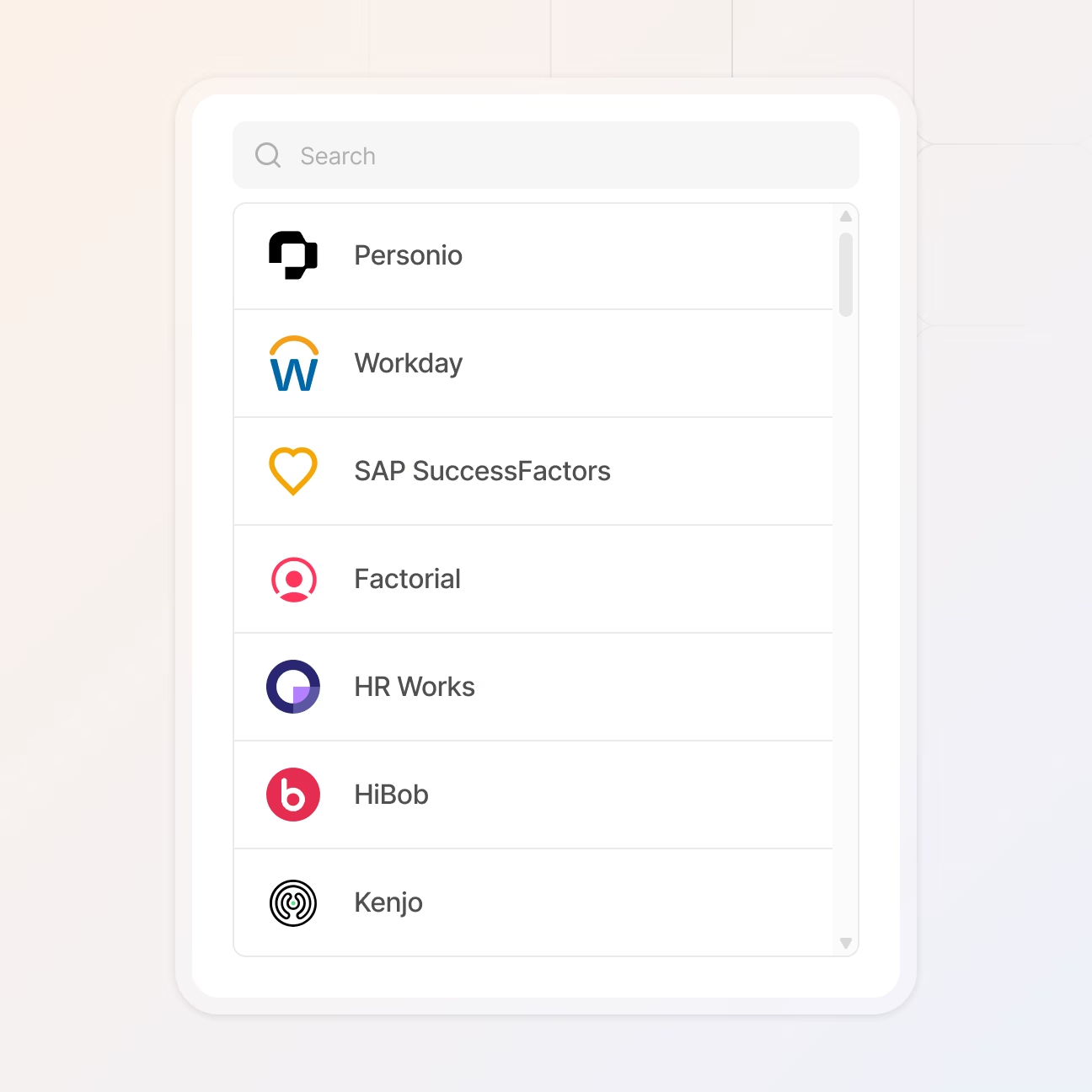
Import employee data automatically

When you add a new hire in your HR system, a complete employee profile with all details including role, department, location, and cost center automatically appears in equipme. Your IT team can start provisioning hardware, licenses, and access from day one.

When details change such as a home office address, department switch, or role update, equipme stays in sync automatically across all systems. And when someone leaves, you see exactly what they had and can request everything back in one place.
Ensure compliance

Use integrations to automate tasks

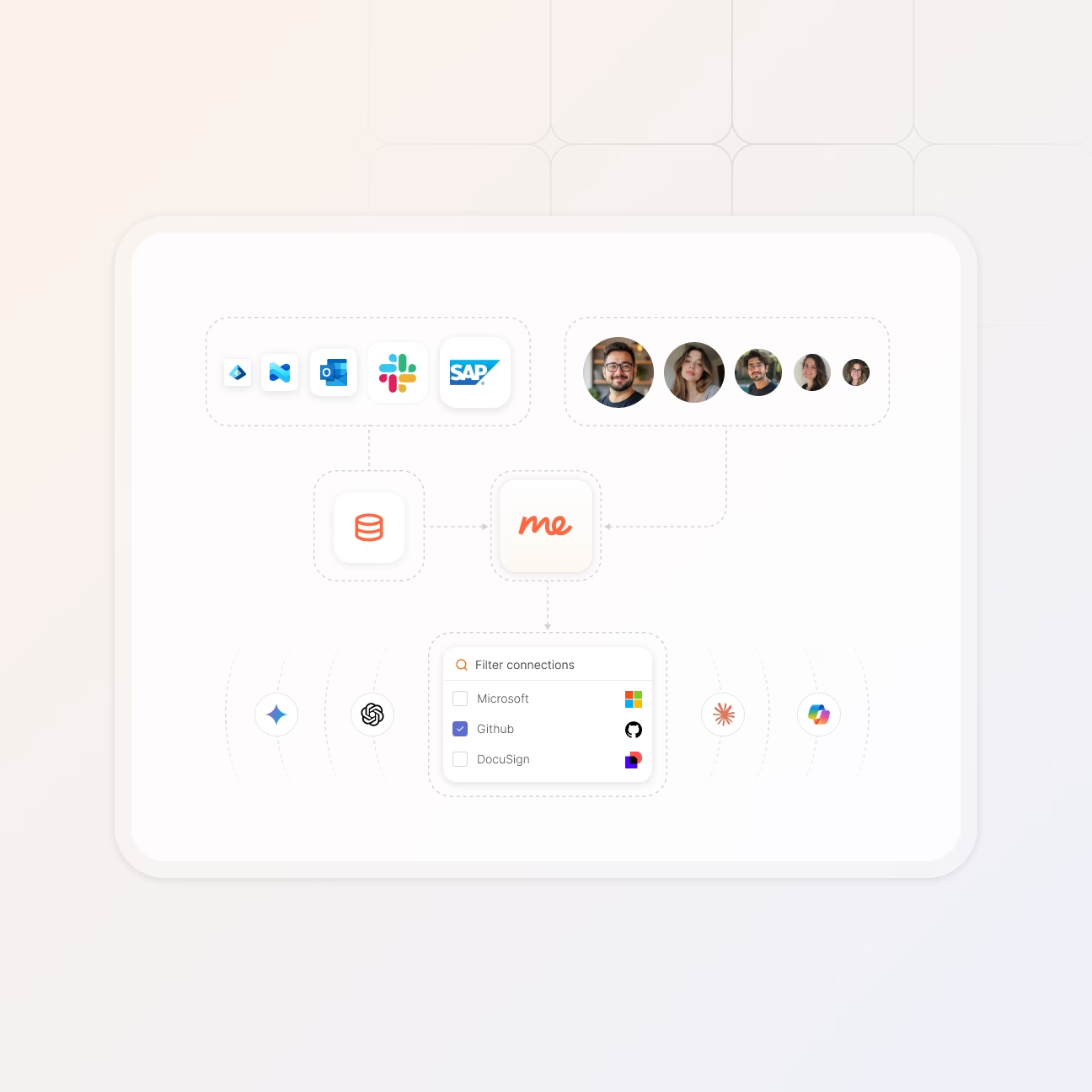
Connected tools are just the starting point. The real power comes when you build automated flows that handle repetitive work without manual intervention. Set up a flow once and it runs forever.

You don't need to code or understand complex logic – just drag and drop your triggers, actions, and conditions onto a canvas until your process is complete. The flow takes care of the rest in the background while your team focuses on work that actually matters.
See Workflow Engine
Custom Integrations

Build exactly what you need

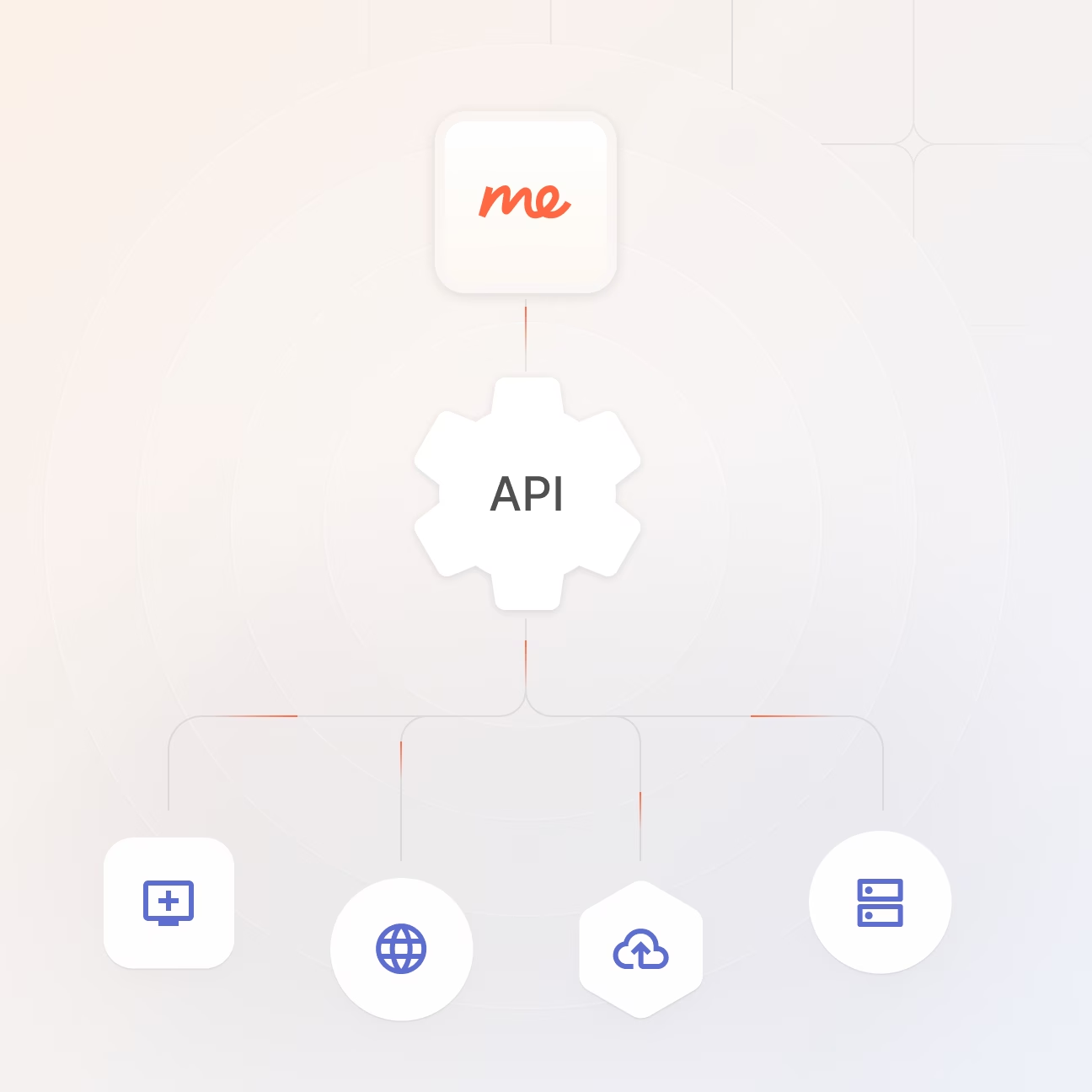
Sometimes your stack has tools that no standard integration covers.With full API access and detailed documentation, your team can build custom connections that fit your exact requirements


Pull asset data into your dashboards, push updates from your internal tools, or automate processes that only make sense for your business. No limits, no waiting for us to build it.
Request an integration

Let us know which integration would help your team most and we'll work on adding it. Your feedback shapes our roadmap.

FAQs

Find answers to common questions about integrations, workflows, and how equipme connects to your existing systems.

Contact Support
How often does HR data sync automatically?

HR Sync runs on a 3-hour interval to keep employee data, groups, and locations up to date. If you need changes immediately for onboarding or other urgent situations, you can trigger a manual sync anytime from the integrations screen.

Is HR Sync bidirectional or one-way?

No, HR Sync is read-only. Data flows from your HR system into equipme, not the other way around. If you change employee details in equipme, they will be overwritten the next time HR Sync runs. Your HR system remains the source of truth for employee master data.

Does equipme work with AI?

Yes. equipme integrates with leading AI providers including OpenAI, Google Gemini, Anthropic Claude, AWS Bedrock, OpenRouter, and Voyage AI. You can use AI to enhance your automation – like generating intelligent recommendations for asset allocation, automating routine support requests, or predicting maintenance needs before they happen.

How long does it take to set up an integration?

Most integrations can be set up in minutes – just connect your credentials and authorize access. Complex workflows might take longer depending on your specific requirements, but there's no implementation project needed.

Are all integrations included in my plan?

All pre-built integrations are included in the Advanced and Complete plans. The Starter plan includes core features but not integrations. You can upgrade anytime to unlock access to all available connections.

Do you have an API for custom integrations?

Yes. equipme offers a REST API for custom integrations and use cases not covered by pre-built connections. Full API documentation is available in our Learning Hub.