Workflow Engine

Build workflows that reduce your workload

equipme lets you automate the processes that drain your team's time without writing a single line of code. Build approval workflows, onboarding sequences and procurement processes with a simple drag-and-drop builder.

Free trial
Book a demo
Benefits

The power of automation

Save your team hours every week

Recurring tasks that your team executes manually become automated workflows. You approve and make decisions and the workflow handles everything else.

Eliminate bottlenecks before they happen

See where requests get stuck. Set escalation rules so nothing waits in limbo. Processes that used to get lost in email now move predictably from start to finish.

Reduce errors and inconsistency

Manual processes are inconsistent: approval rules vary, steps get skipped, data gets entered differently. Automated workflows enforce the same steps every time.

Sync data across all your tools

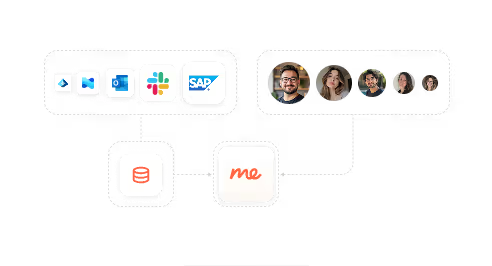
Manual data entry creates inconsistency. Automated workflows sync data seamlessly between equipme and your connected systems.
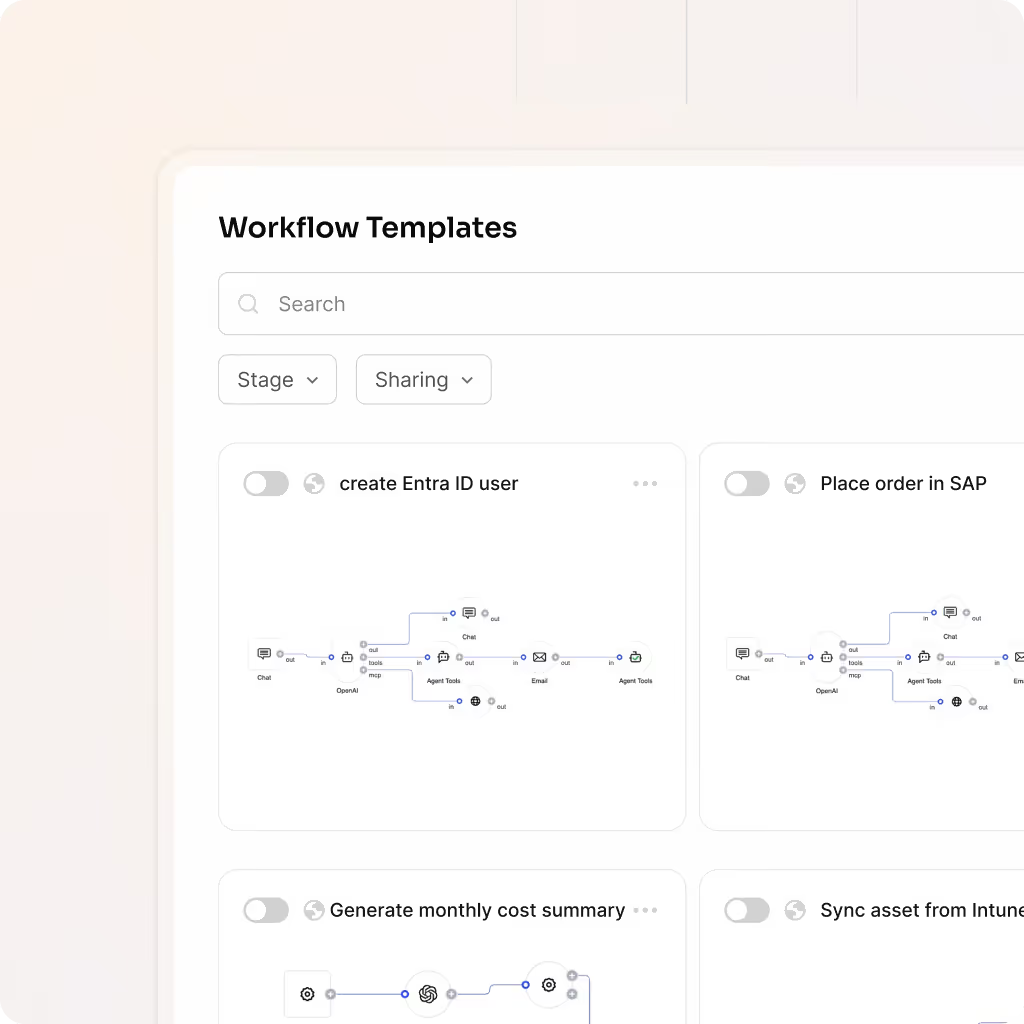
Build

Create workflows without coding

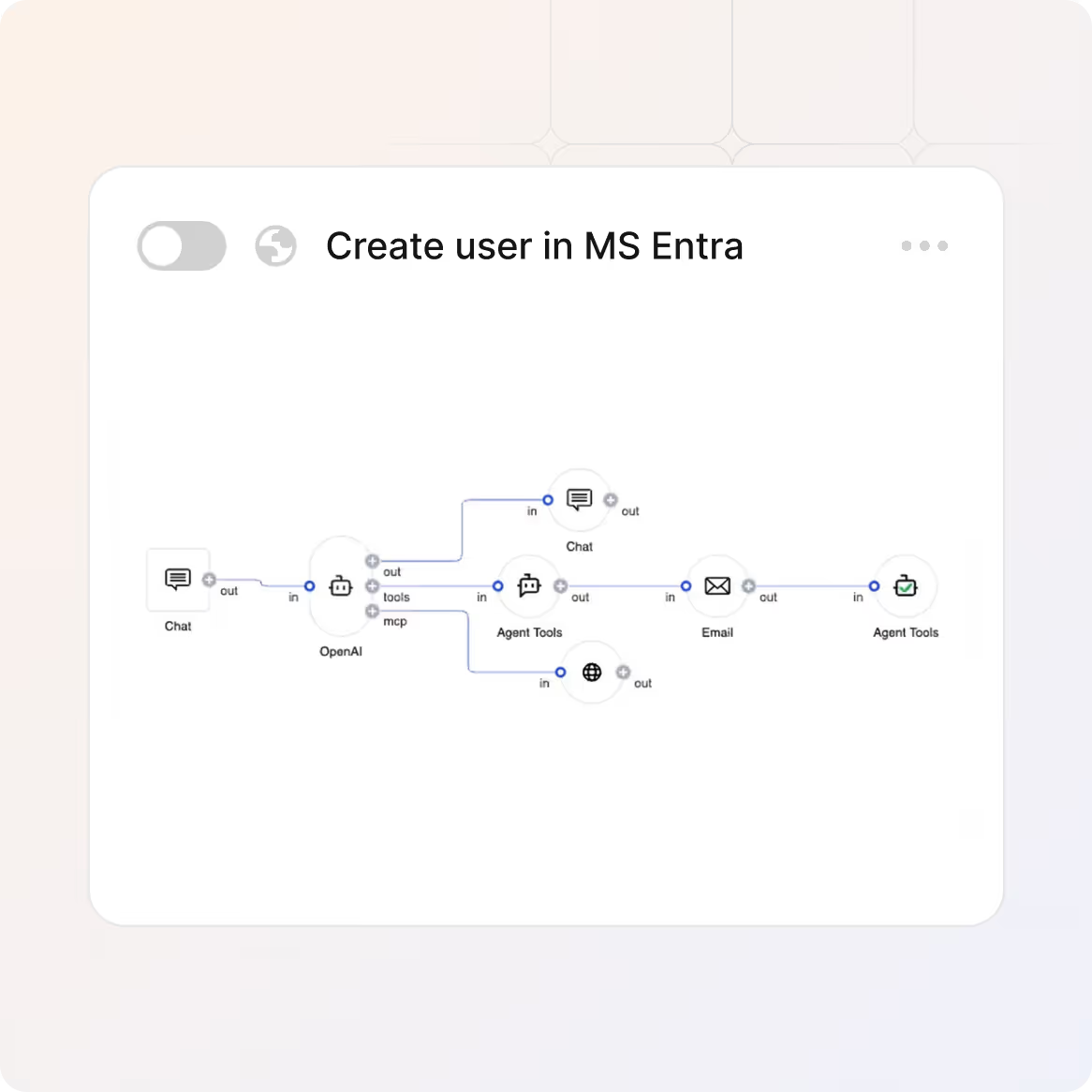
Build sophisticated automation with a visual drag-and-drop builder that anyone on your team can use.

  • Start from scratch or clone existing workflows to save time
  • Map out your entire workflow visually
  • Depict repetitive tasks and automate them
Templates

Use pre-built templates for common processes

Don't build from scratch. Deploy proven workflows for onboarding, offboarding or license renewals in minutes.

  • Use templates with best practices and common approval chains
  • Customize templates to match your specific business rules
  • Adapt templates as your processes evolve
Logic

Define exactly what happens and when

Every workflow starts with a trigger, follows conditions, and executes actions. Control the exact logic of how your processes work.

  • Set triggers to define the starting point of a workflow
  • Create conditions to determine which rules and logic gates the workflow follows
  • Define actions to execute what actually happens when conditions are met
Connect

Connect workflows to 100+ tools

Workflows don't live in equipme alone. Automate actions across other systems your team relies on.

  • Sync data automatically between equipme and tools
  • Trigger actions in external systems without manual handoffs
  • Update records automatically so data stays in sync
Monitor

Monitor workflow execution

Stay in control by catching bottlenecks before they become problems and escalating tasks that need attention.

  • View pending approvals, completed workflows and failed executions
  • Set escalation rules that notify the right person
  • Receive alerts when workflows fail or require intervention
Integrations

Keep data in sync across all your systems

equipme connects to your HR systems, procurement systems, ERP, and fulfillment tools so inventory data stays accurate and manual updates become a thing of the past.


a colorful logo with a triangle
a colorful logo with a black background
a blue pyramid with black lines
a blue diamond with white dots
a logo of a company
a colorful logo on a purple background
a colorful logo with a triangle
All Integrations
a blue and orange gradient

Start automating 
your processes

Stop managing approvals, assignments, and notifications manually. equipme's Workflow Engine handles the repetitive work so your team can focus on what actually matters.

Free Trial
Book a demo
More Features

Complete your

resource lifecycle

Approvals work best when it's connected to the rest of your processes. These features work seamlessly together to give you full control over your resources from request to resolution.

Vendor Management

Connect suppliers so orders route automatically, updates sync in real time, and support stays seamless.

Learn more

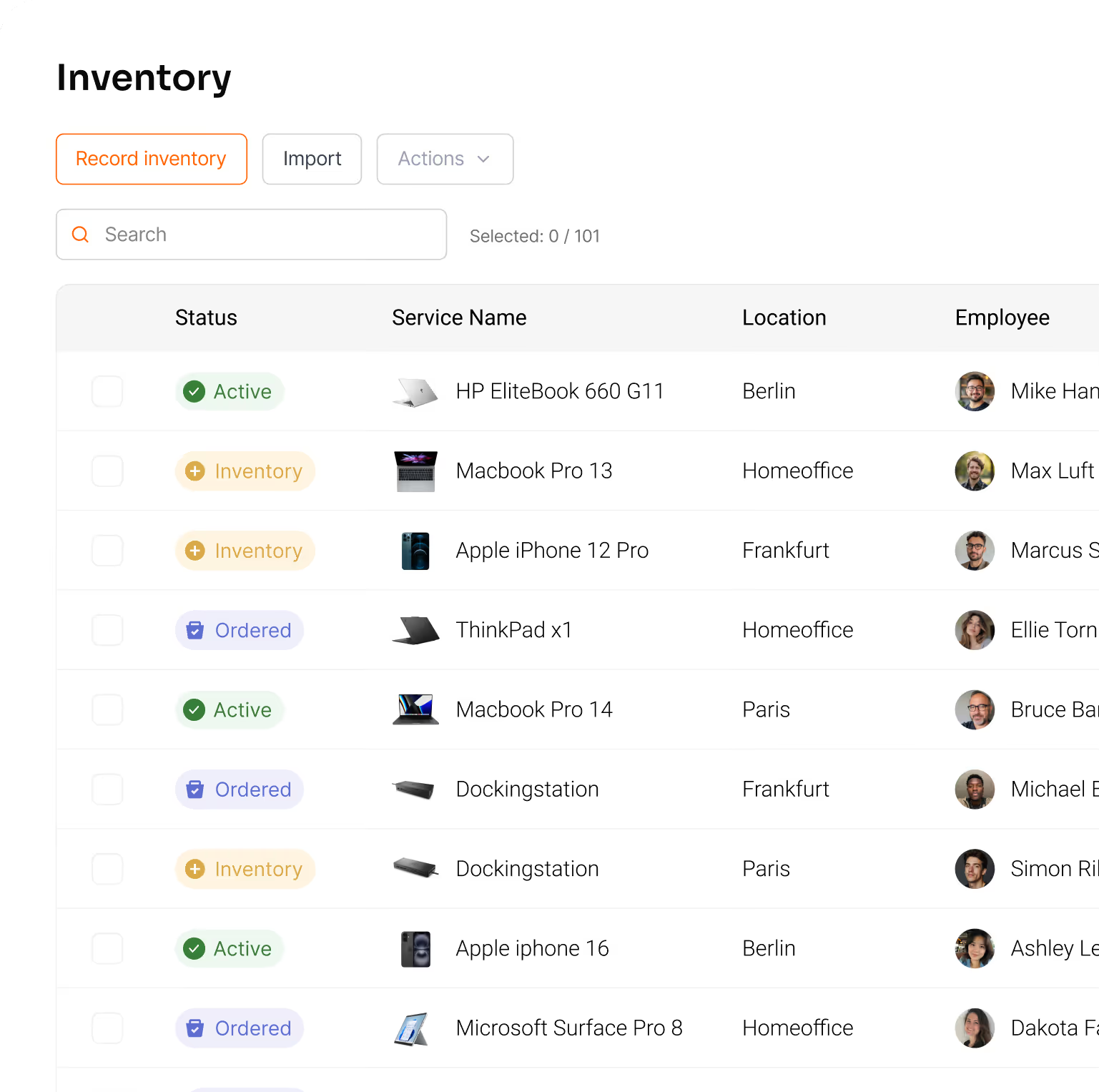
Asset Management

Track all your resources in one place & lways know what you have, where it is, and what it costs.
Learn more

Controlling

Track the total cost of your resources, forecast spending, and show exactly where your IT budget goes.

Learn more

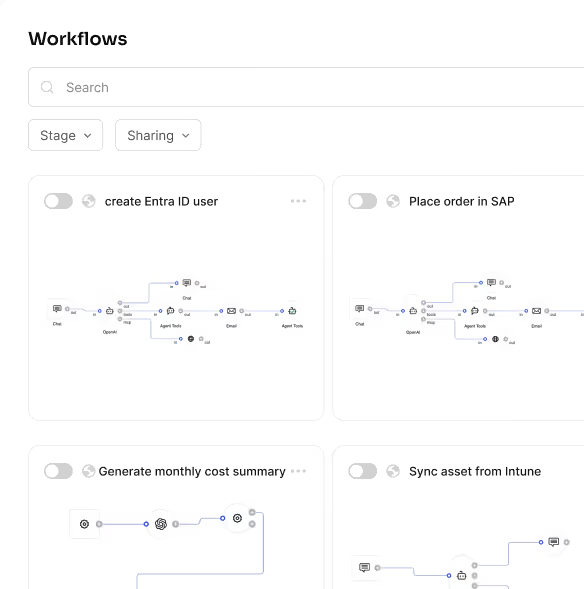
Workflow Engine

Automate any process with a visual drag-and-drop builder.
Learn more

FAQs

Get answers to the questions IT managers ask most about tracking assets, controlling costs, and keeping everything organized.

Contact Support
Do I need technical skills to build workflows?

No. The drag-and-drop builder is accessible to anyone – IT managers, process owners, and non-technical team members can all build workflows. You don't need any coding or programming knowledge.

Can I customize workflows if my processes change?

Yes, you can change workflows anytime. Open the workflow, edit triggers, conditions, or actions and your changes take effect immediately. You can modify workflows without disrupting ongoing operations.

What happens if a workflow fails?

You'll get an immediate notification and can see the failed workflow in your dashboard. You can set up escalation rules so critical failures automatically reach the right team.

Which systems can I connect?

equipme connects to HR systems, Active Directory, Azure AD, Slack, Microsoft Teams, ticketing tools, and many more. Check our integrations page for the complete list.

What workflows can I build?

You can automate any recurring process like onboarding, offboarding, approvals, license renewals, procurement, resource assignments, and more. The possibilities are virtually unlimited.

How long does it take to build a workflow?

With pre-built templates you can get started in minutes. Building workflows from scratch takes 30 minutes to a few hours depending on complexity all without technical expertise or developer resources.