Self-Service

One portal for employees, full control for IT

equipme gives every employee their own portal to see assigned resources, request new ones, and report issues. Managers approve team requests and IT keeps full oversight without being involved in every single task.

Free trial
Book a demo
Benefits

What changes with Self-Service

One central hub for all employee needs

Employees request resources, track their oders, report issues, and access support all from their personal portal.

Reduce tickets through structured requests

Employees submit requests through one channel instead of scattered emails, chats, and calls. Routine requests resolve themselves, real issues get the attention they need.

Route approvals to the right people

Self-service sends requests to the responsible manager, not to IT. Teams take ownership of their own spend while IT focuses on delivery.

Scale IT reach without scaling headcount

Your company grows, but your IT workload doesn't. Self-service lets more employees help themselves without adding to your plate.

Onboard

Enable Self-Service access for every employee

Every employee gets their own Self-Service portal with a personal view of resources, requests, and tickets.

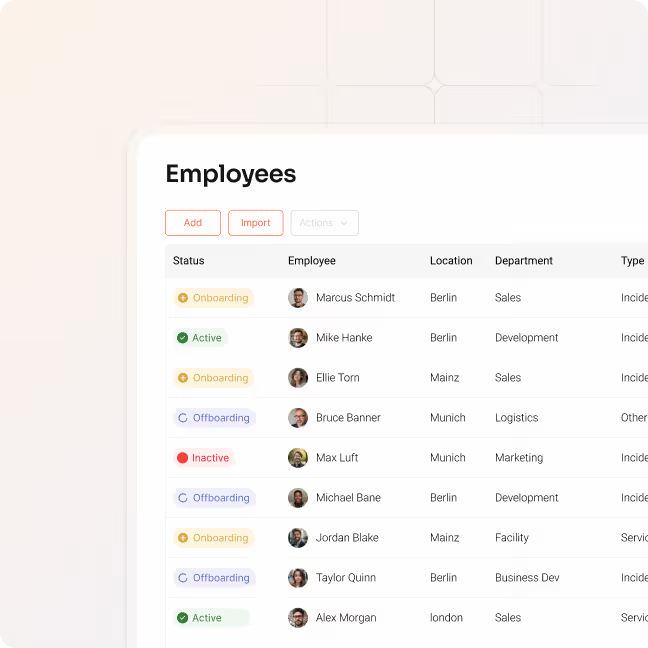
  • Invite employees individually or sync them from your HR system
  • Employees log in via SSO
  • Set department, location, and supervisor so resources route correctly from day one
  • Assign role-based access for employees, managers, and admins
Access

Give employees full visibility of their resources

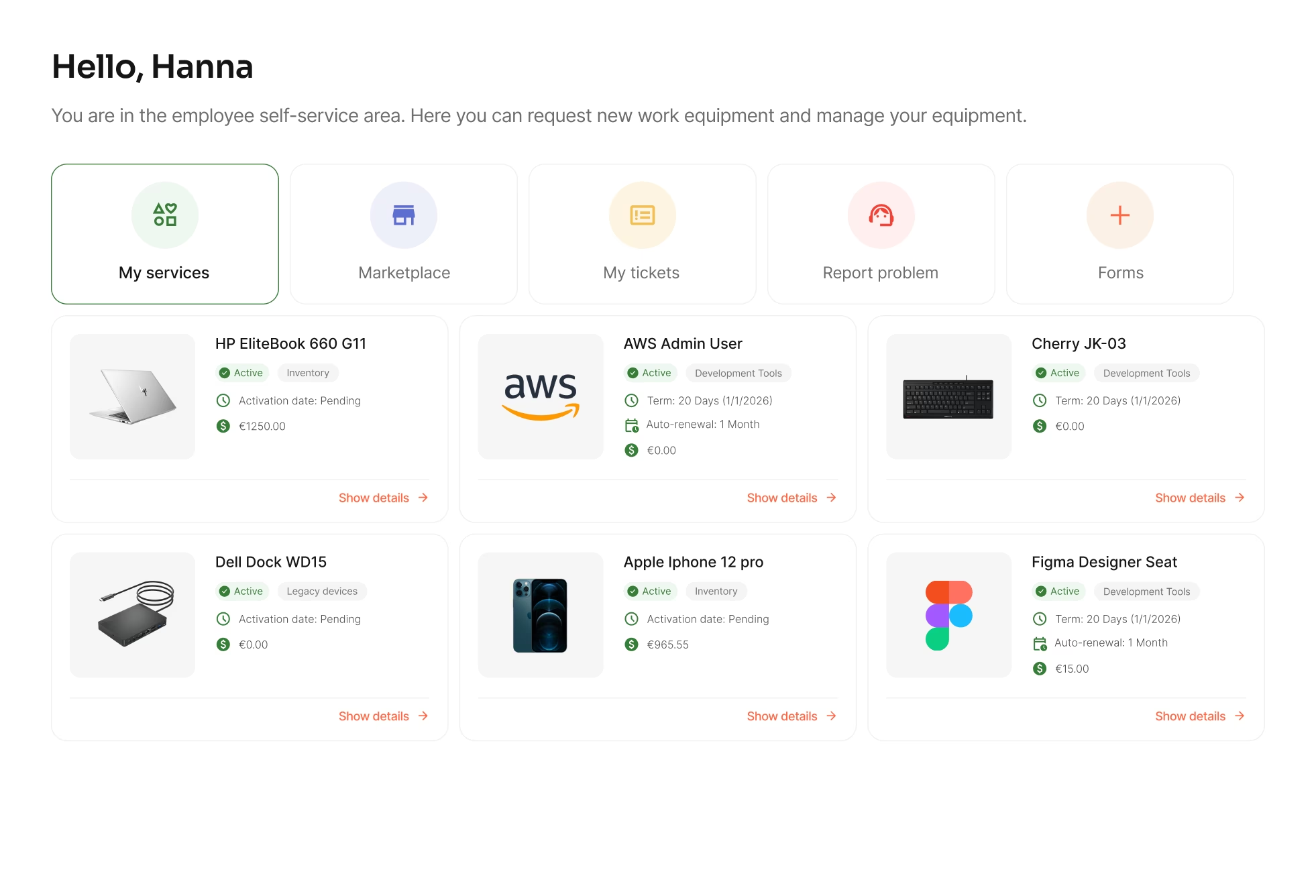
"My Services" gives every employee a complete view of all resources assigned to them.

  • Display hardware, software, licenses, and access rights in one list
  • Let employees confirm receipt and view contract details
  • Track resource history from assignment to return
Request

Let employees take action themselves

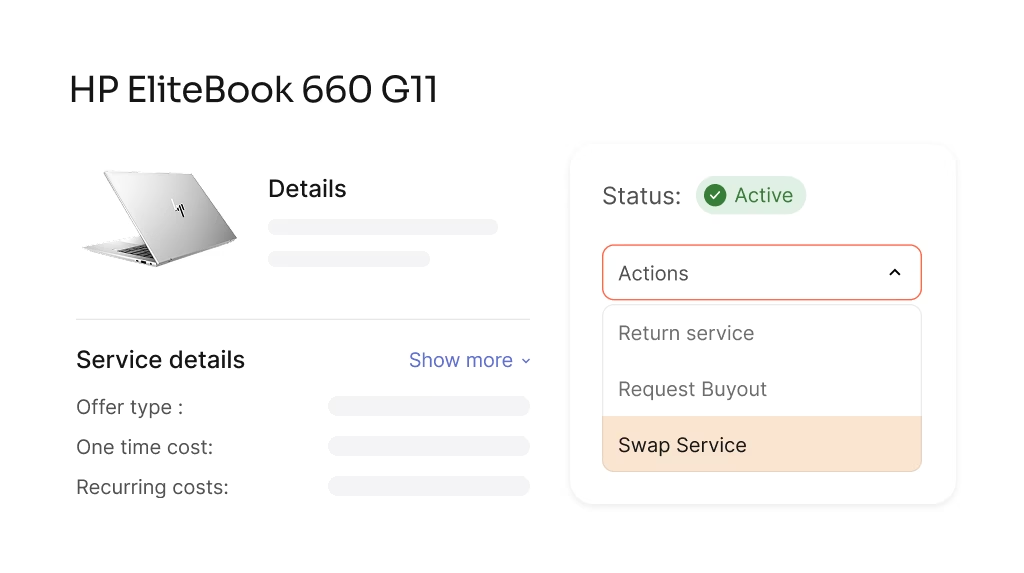
Employees initiate returns, swaps, and issue reports directly from their portal.

  • Submit return requests when resources are no longer needed
  • Request swaps for upgrades or replacements
  • Report defects and trigger support workflows
Manage

Give managers visibility into their teams

Managers switch to their team view and see all resources assigned to their direct reports.

  • View team resources across all categories
  • Track open requests and pending approvals
  • Monitor costs allocated to the team
Approve

Route approvals to the right people

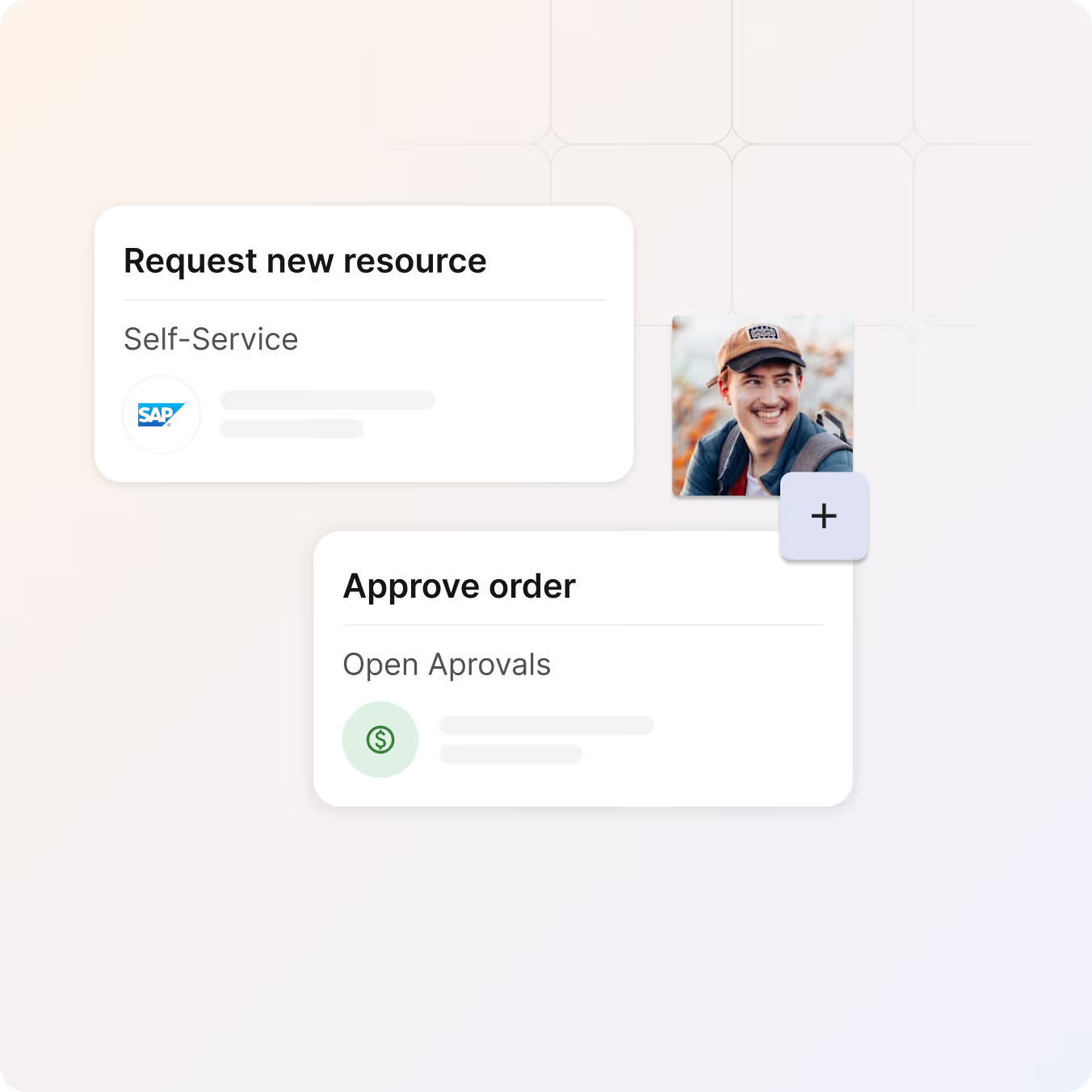
Resource requests go to the responsible manager and IT stays informed without being involved in every decision.

  • Approve, reject, or delegate requests with one click
  • Keep full audit trails for every decision
  • Control team spending without IT involvement
a blue and orange gradient

Let your team help themselves

Stop fielding requests via email, chat, and hallway conversations. equipme Self-Service gives employees and managers one place to view resources, submit requests, and handle approvals.

Free Trial
Book a demo
Roles

Role-based views that adapt to your team

Self-Service isn't one-size-fits-all. equipme adapts to diffrent roles: from employees to their supervisors and location managers. Same platform, personalized experience.

User

Employees see all assigned resources, request what they need, and report problems. A complete work setup in one personal view.

Supervisor

Supervisors see their team's resources, approve requests, and monitor spending. Full oversight of what direct reports use and need.

Team Manager

Team managers view resources across all teams in their department. Track spending, spot unused resources, and control costs at scale.

Location Manager

Location managers oversee all resources at their site: from personal devices to shared equipment. Track inventory, assignments, and incoming deliveries in one view.

More Features

Complete your

resource lifecycle

Approvals work best when it's connected to the rest of your processes. These features work seamlessly together to give you full control over your resources from request to resolution.

On- & Offboarding

Automate resource setup for new hires and retrieval when they leave.

Learn more

Approval Processes

Build custom approval processes so swaps, returns, and new assignments follow your rules.

Learn more

Marketplace

Browse, request, and order resources from one catalog.

Learn more

Ticketing System

Report issues, route tickets automatically, and resolve them faster with full resource context.

Learn more

FAQs

Get answers to the questions IT managers ask most about tracking assets, controlling costs, and keeping everything organized.

Contact Support
What can employees see and do in Self-Service?

Employees see all resources assigned to them, confirm receipt, view contract details, and request returns, swaps, or support. They can also browse the Marketplace and submit new requests.

What's the difference between Employee and Manager view?

Employees see only their own resources and requests. Managers can switch to a team view where they see all resources assigned to their direct reports, approve requests, and monitor team costs.

How do employees get access to the Self-Service portal?

Invite employees directly in equipme or sync them from your HR system. Once invited, they receive login credentials via email and can access their portal immediately.

What happens to access when an employee leaves?

Offboarding workflows trigger automatically. Managers see outstanding resources, employees receive return instructions, and IT keeps full visibility until everything is retrieved.

Can we control what employees are allowed to request?

Yes. You define what's visible in the Marketplace, set budget limits, and configure approval workflows. Employees only see and request what you allow.