Service Portfolio Management

Define services once, deliver to everyone

Service Portfolio Management turns your offerings into a structured, sellable catalog. Set pricing, build service dependencies, and publish to customer portals.

Talk to an expert
Benefits

What a structured service portfolio changes

Consistent across every customer

No more client-by-client service definitions. Define your portfolio once and deliver the same quality to every account.

Ready for delivery from day one

New customers go live in days, not weeks. Your services are pre-configured, priced, and ready to publish.

Pricing that's always transparent

Every service has a clear pricing model liek rental, purchase, or leasing. No more inconsistent quotes or manual calculations.

Less manual coordination

Service dependencies handle provisioning automatically. When a customer books, linked services follow without your team chasing tickets.
Create

Create and publish your service catalog

Your services belong in a structured catalog, not in spreadsheets and emails.

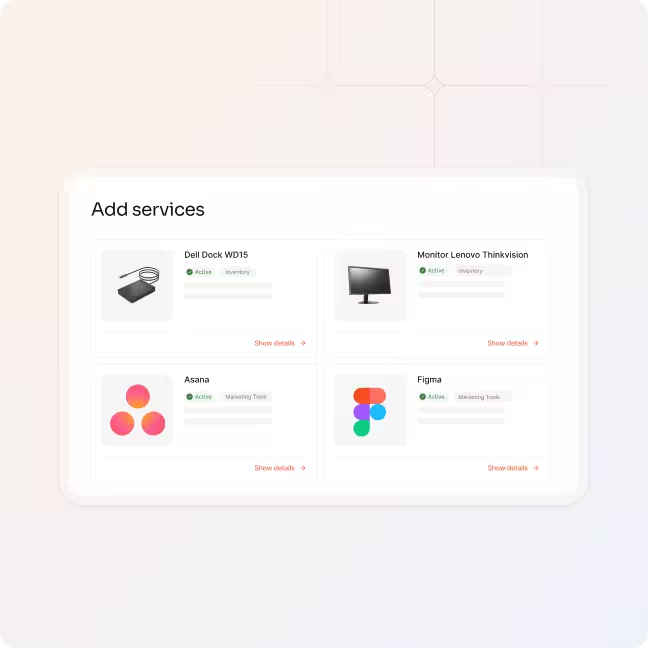
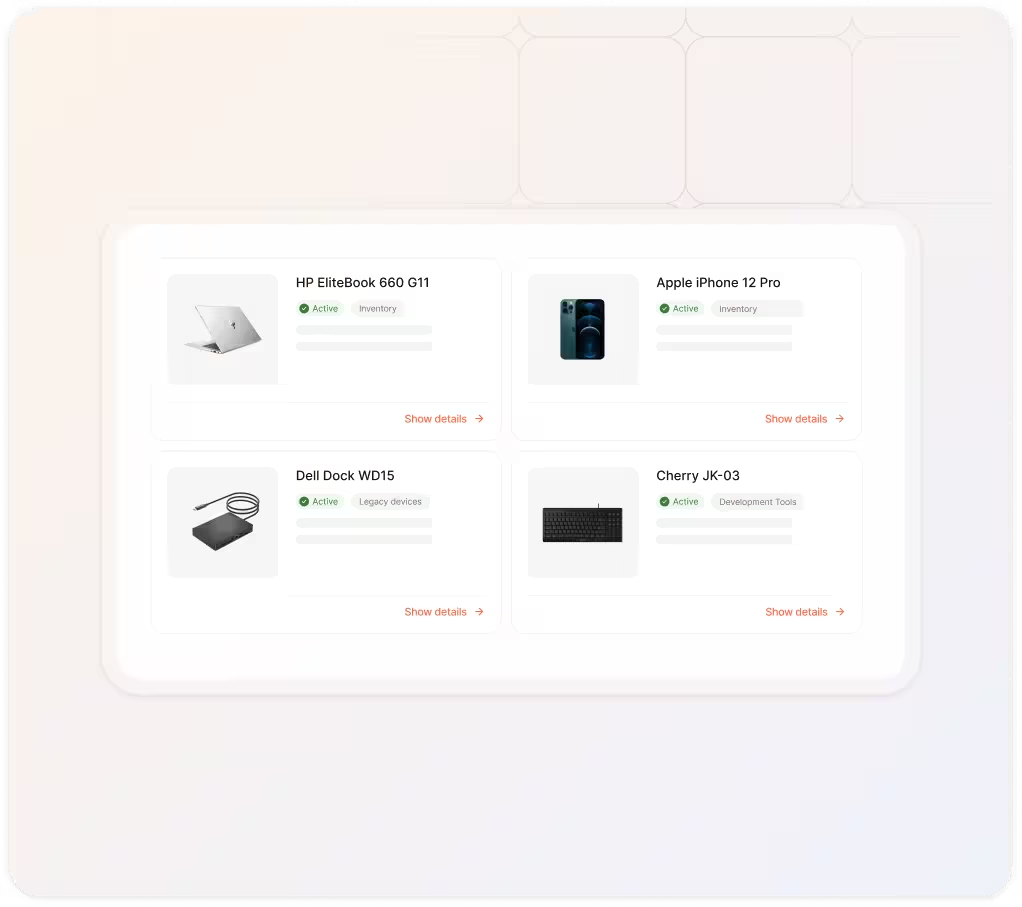
  • Define service details with product descriptions, images, and categories
  • Structure your catalog by category, department or service type
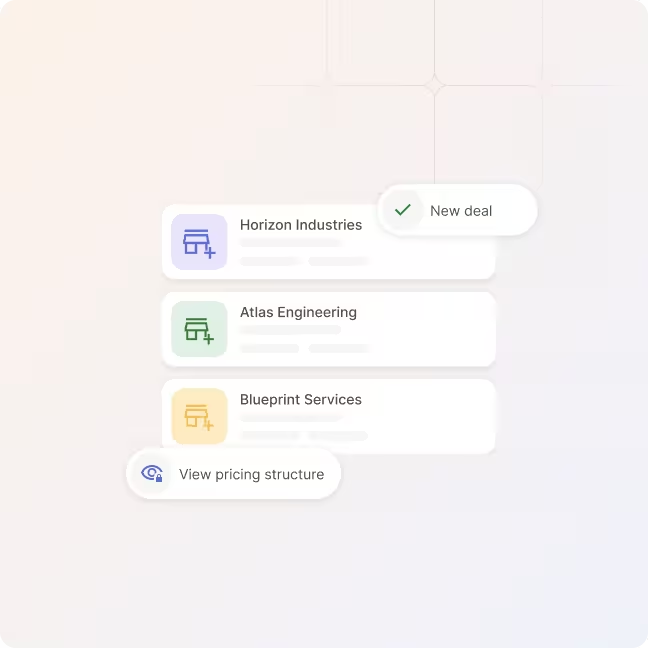
  • Publish services to selected customers or your entire customer base
Price

Configure flexible pricing models

Different customers, different deal structures. With equipme you can offer the right pricing for every scenario.

  • Choose between rental, one-time purchase, and leasing per service
  • Set base prices, recurring intervals, and contract terms
  • Offer service variants with different option packages
Build

Build service dependencies

Services rarely exist in isolation. Link base services, managed services, and add-ons together.

  • Define base services as prerequisites
  • Attach linked services that auto-provision with the service
  • Offer add-ons that customers can request on top
Control

Control how services are assigned and ordered

Not every service is booked the same way. Define where each service is assigned so it shows in the customer portal.

  • Assign booking contexts: employee, location, cloud, workplace, or global
  • Control how services appear in the customer portal
  • Ensure proper configuration so orders contain the data you need to fulfill them
Import

Import and update products in bulk

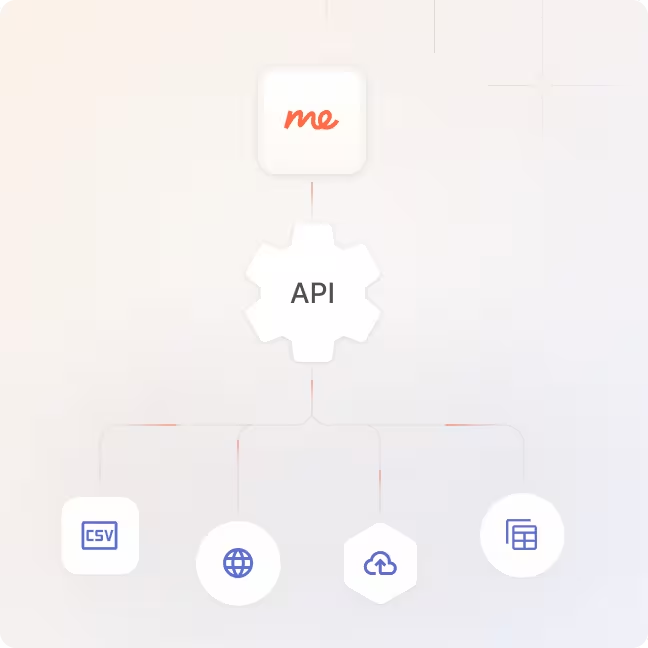
Don't enter hundreds of products manually. Import your catalog in bulk via template, or pull product data directly.

  • Use CSV templates to import or update large product sets
  • Connect IT Scope or your own data sources for product data
  • Keep pricing, availability, and product details in sync
a blue and orange gradient

Turn your services into a catalog

Create your service portfolio, set pricing, define dependencies, and give your customers a professional ordering experience.

Talk to an expert
More Features

Features that work with

Integrated Billing

Billing doesn't exist in isolation. Connect it with your service portfolio, fulfillment workflows, and client management for a complete order-to-invoice process.

Central Client Management

Manage every customer, contract, and service level from a single dashboard.

Learn more

Fulfillment

Process orders, route to vendors, and track delivery without touching a spreadsheet.

Learn more

Integrated Billing

Turn delivered services into invoices automatically without manual reconciliation.

Learn more

Workflow Engine

Automate approvals, onboarding, and provisioning across all your customers.

Learn more

FAQs

Get answers to the questions service managers ask most about building and managing their service portfolio.

Contact Support
What types of services can I add to the portfolio?

You can add any type of IT service: hardware, software, licenses, cloud services, managed services, bundles, and add-ons. Each service supports detailed descriptions, images, categories, and configurable pricing models.

How do pricing models work?

Each service supports three offer types: rental (recurring subscription), one-time purchase, and leasing. You set the pricing per model, define intervals and contract terms, and can offer different variants with corresponding option packages.

Can I tailor the portfolio for individual customers?

Yes. You can publish your standard portfolio across all customers, or create fully customized catalogs per client. Use the inherit global portfolio setting for standard customers and build individual offers for key accounts.

How do service dependencies work?

You can define base services (prerequisites like a cloud zone), linked services (auto-provisioned alongside the main service, e.g. MDM with a notebook), and add-ons (optional one-time services customers can request on active service instances). Dependencies are handled automatically during ordering.

How do I import products into the portfolio?

Use the built-in CSV import template to add or update products in bulk. You can also connect external product data sources like IT Scope to pull in product master data, pricing, and availability – and keep it in sync automatically.